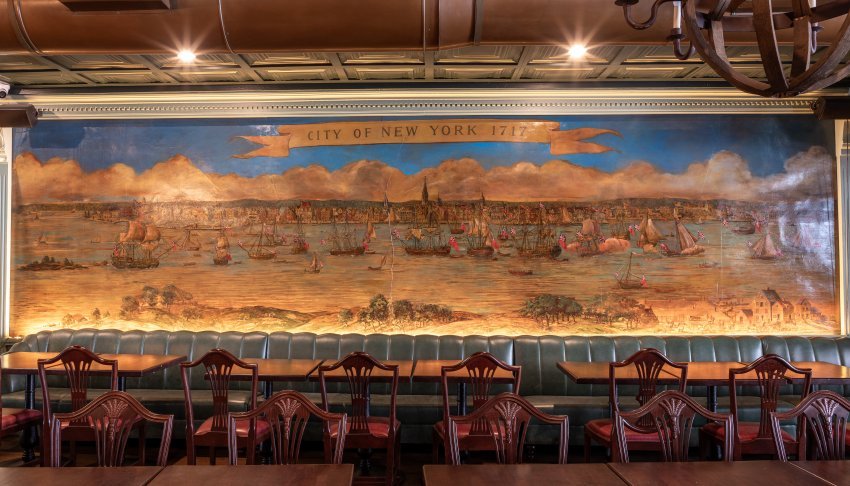
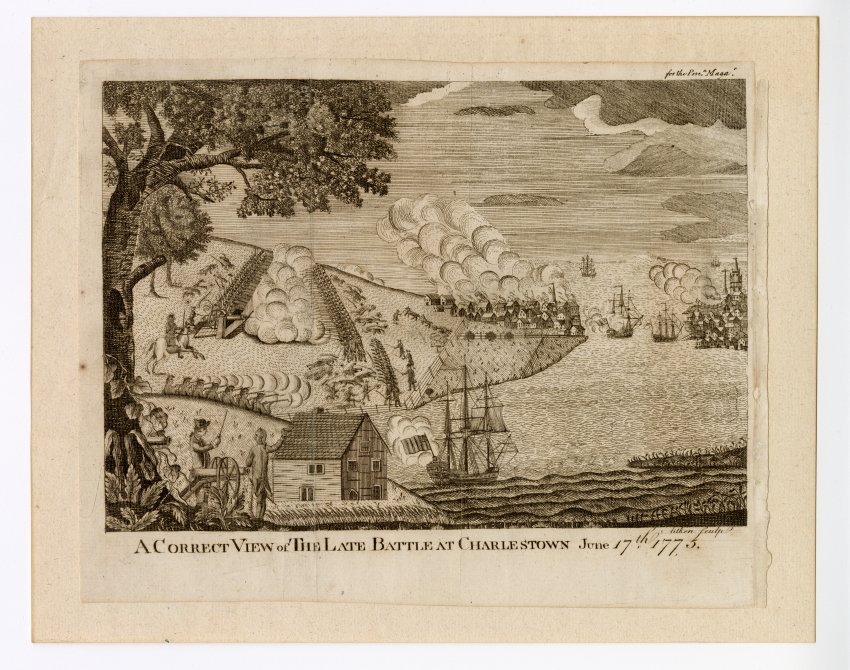
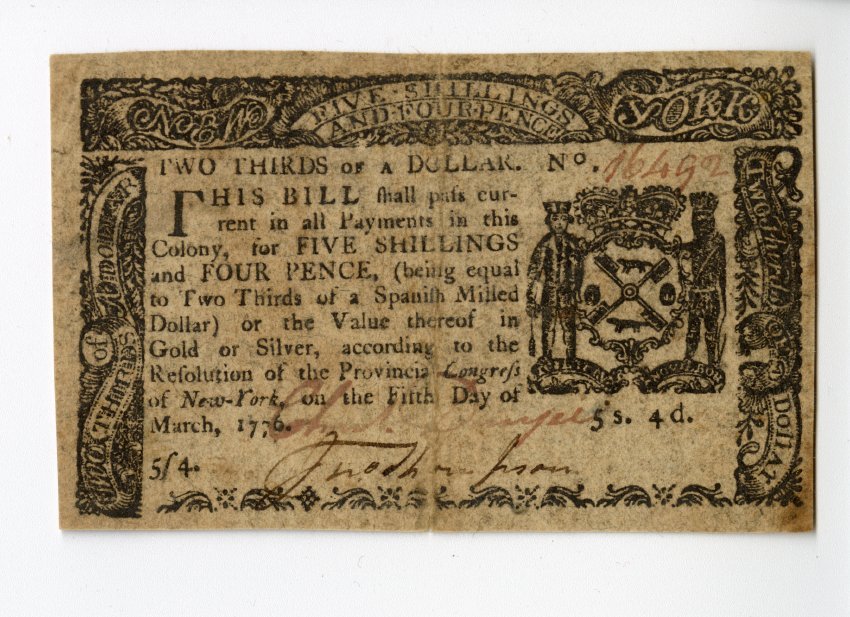
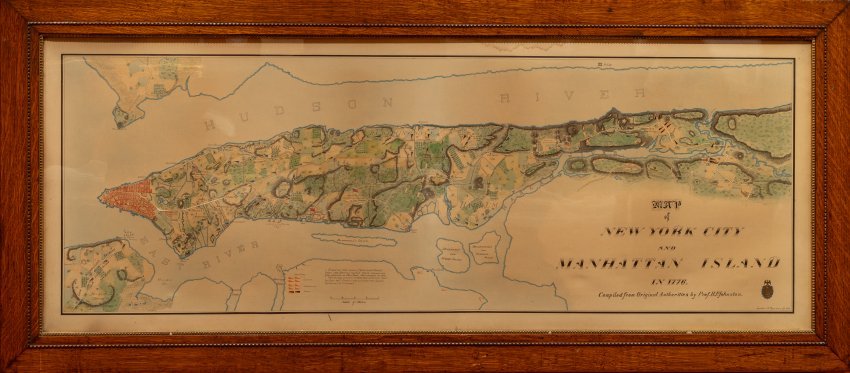
.png)
Welcome to Fraunces Tavern Museum’s Online Collection Database
About the Database
Launched in 2017, Fraunces Tavern Museum's Online Collections database offers users unprecedented access to objects in the collection, and documents the histories of the American Revolutionary era, its cultural legacy, and 54 Pearl Street itself. The database is an inventory of the Museum's collections and aims to record what we know about them. It is primarily designed to support curatorial and research work, so the text may be specialized in nature and terminology.
We are continually working to add records to this catalogue and improve this site. Please note that the collections database may be unavailable if updates are being made. If you notice any errors or have additional information about an image, please let us know by emailing collections@frauncestavernmuseum.org.
Click through each of the tiles below to explore objects from our permanent collection, organized by exhibition.
Current Exhibitions
Permanent Exhibitions
Currently on display.
-
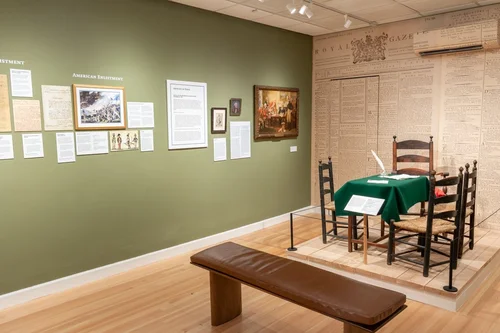
At the end of the Revolutionary War on December 4, 1783, General George Washington bid farewell to his remaining officers in the Long Room of Fraunces Tavern. The Long Room exhibit recreates the 18th century public dining room that Washington and his men dined at, based on extensive research of documents from this period.
-
Between April and November 1783, a joint British and American commission met at Fraunces Tavern to review the eligibility of some Black Loyalists to evacuate with the British Army. These proceedings are called the “Birch Trials,” after British Brigadier General Samuel Birch appointed to oversee them.
Three thousand Black Loyalists, many of whom had previously been enslaved, left New York City during this time, making the Birch Trials one of the largest emancipations of Black people prior to the American Civil War. The names of Black Loyalists who qualified for evacuation were recorded in the Book of Negroes, the compilation of which was overseen by the commission.
The Birch Trials at Fraunces Tavern highlights these significant events and recognizes the thousands of Black Patriots who furthered the cause of American Independence.
-
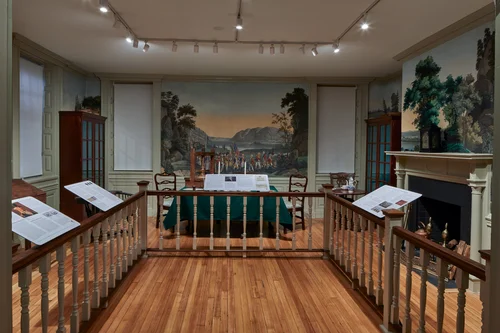
From 1785 to 1788, between the end of the American Revolution and the ratification of the United States Constitution, the Congress of the Confederation rented rooms at Fraunces Tavern for three government departments. During this time, Washington’s compatriots in the Revolution, John Jay and Henry Knox, headed the Departments of Foreign Affairs and War respectively. Offices of the Board of Treasury were also located in the same building. Governing the Nation from Fraunces Tavern depicts the Department of Foreign Affairs while it was headquartered at the Tavern and helps visitors understand the diplomatic, military, and financial challenges that all three departments faced during their time here.
-
This permanent exhibition portrays one of Fraunces Tavern’s private dining rooms in the late 18th century. By then, New York had quickly become a cosmopolitan, global port city where travel and trade routes brought new ingredients and ways of cooking. While other taverns were providing average communal fare, Samuel Fraunces was making culinary history. He was one of the first to offer delicious food in an elegant setting with individual table service at any time of the day. His cooking and reputation in the city attracted government officials, including many of the country’s Founding Fathers, and other prominent members of society to dine and socialize in a setting like this period display.
-
In 1904, the Sons of the Revolution in the State of New York (SRNY) purchased the building on 54 Pearl Street that was formerly Fraunces Tavern. The SRNY restored the building to its 18th century appearance and turned it into a museum in 1907. Through a selection of artifacts, artworks, images, and memorabilia, this exhibition explores the history of the SRNY and its relationship to the tavern’s historic block and community.
-
Between 1719 and 1722, prominent merchant and politician Stephen De Lancey built a three-story brick home on 54 Pearl Street. This building would later become Fraunces Tavern in 1762. Fraunces Tavern: 300 Years of Building History dives into the history of 54 Pearl Street including its heyday in the 18th century and later efforts to save the building in 1904 and transformation into a museum.
-
Few individuals have been as honored and revered in American history as George Washington. Elected as the rebellion’s military leader in 1775, as Commander-in-Chief of the Continental Army, and eventually unanimously elected as the first American President, he embodied the spirit of the American people.
A Stoic Countenance: George Washington Portraits showcases a selection of artworks from the late 18th century that were inspired by the nation’s 1st president, including etchings, engravings, and a terra cotta bust by Jean-Antoine Houdon.
-
In addition to serving meals and alcoholic beverages, providing lodging to guests was one of the essential functions of the colonial tavern. This was especially the case with larger urban taverns such as Fraunces Tavern, with its nine large public rooms and five bedchambers for guests. This exhibition recreates one of these private bedchambers. It is furnished to exemplify the accommodations provided to a typical wealthy merchant and the trunk he would have brought with him on his journey during Fraunces Tavern’s economic heyday prior to the British occupation of New York City during the Revolutionary War.



Special Exhibitions
On display for a limited time or format.
-
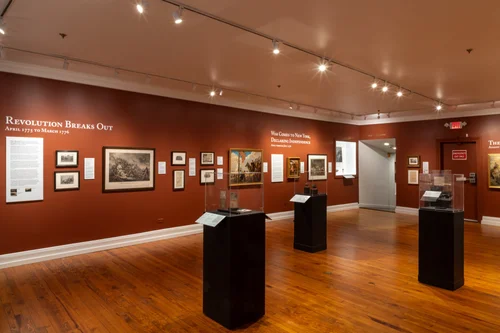
Path to Liberty is a chronological, multi-year exhibition about the history of the American Revolution from 1775 to 1783, with a distinctive focus on what occurred in New York State and the surrounding areas. Personal letters, artifacts, and works of art from the museum’s permanent collection paint a picture of the Revolutionary War’s early defining moments, such as the Battles of Lexington and Concord and the Declaration of Independence.
-
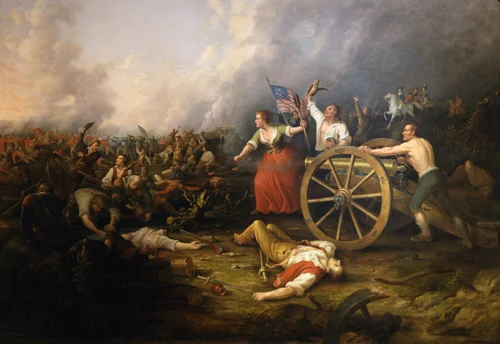
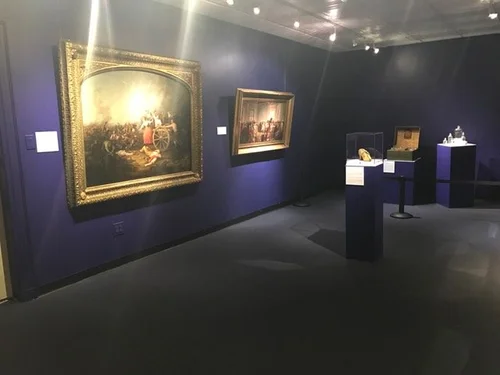
Fraunces Tavern Museum’s history painting collection includes works from the 19th and 20th centuries, bringing the storied events of the Revolutionary War to life. Scenes by illustrators such as John Ward Dunsmore became ubiquitous to Americans during the mid-20th century, when they were printed not only in books and magazines, but also on everyday objects. Selected works from this collection are on display throughout the gallery.
The paintings on display further illustrate the events of the American Revolutionary War featured in our special exhibition Path to Liberty: The Emergence of a Nation commemorating the United States Semiquincentennial.
-
Online only
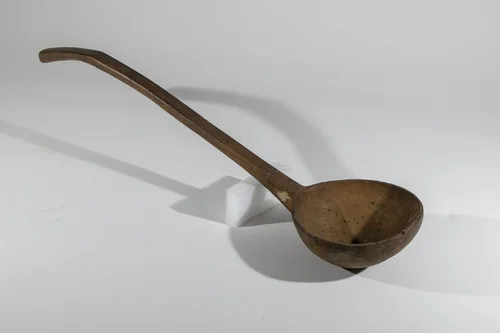
From 1762 to 1795, Fraunces Tavern provided bustling New York City with fine dining and entertainment. Tools of the Tavern highlights some of the items that would have been important to the daily operations of an 18th century tavern.
-
Fraunces Tavern Museum’s permanent collection holds numerous treasures of the American Revolutionary era that bring the stories of those who helped achieve American Independence to life. In this exhibition, the Museum showcases a carefully curated selection of orderly books that detail how officers used daily orders to train, manage, and discipline soldiers, turning ordinary colonists into a trained force capable of challenging the world’s most powerful army.
Path to Liberty: Orders, Discipline and Daily Life is the newest special exhibition in the Museum’s Path to Liberty series that already includes Path to Liberty: The Emergence of a Nation and Path to Liberty: The War Reimagined.

Past Special Exhibitions
This section of our database is a growing archive that we are working to update with new information about our past exhibitions. Check back to learn more about previous shows that are no longer on display.
-
June 2024 - October 2025
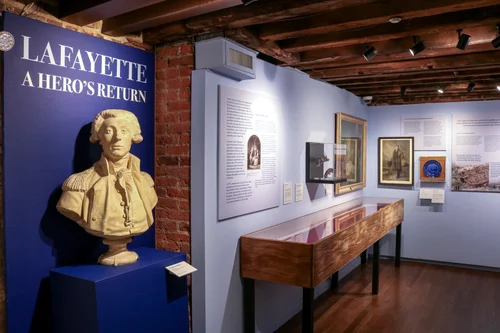
In 1824, Gilbert du Motier, Marquis de Lafayette returned to the United States as the last living general of the Revolutionary War. The young and wealthy French aristocrat volunteered for and later led the Continental Army to victory alongside General George Washington. Lafayette’s visit almost 50 years after the war reflected the nation’s interest in the American Revolution and reignited its patriotism. He was welcomed with great fondness and fanfare by Americans in each of the then 24 states he visited over 13 months, especially in New York. Lafayette: A Hero’s Return displays a series of objects made around the time of the Marquis’ grand tour that celebrate his return and contributions to the young nation.
-
July 2019 - June 2024
Though we typically remember its significance in the American Revolution, Fraunces Tavern continued to be an active and important social space in the many years following Washington's farewell. On the 300th anniversary of the building's construction, A Monument to Memory explores the many roles 54 Pearl Street has played in the public life of Lower Manhattan, inviting visitors to discover how the stories we tell through historic preservation and inquiry shape our memories of the past.
-
September 2017 - September 2019
In 1778, General George Washington appointed Major Benjamin Tallmadge to organize a secret spy network and oversee the spread of military intelligence during the Revolutionary War. The Culper Spy Ring operated in New York City, the heart of British headquarters, and played an important role in intercepting British plans.
Confidential: The American Revolution’s Agents of Espionage tells the stories of the Culper Spy Ring’s most prominent members, including Tallmadge, through a selection of correspondence, engravings, and other prints.
-
November 2016 - November 2018
Valuable explores the different ways that people assign value to material objects, especially ones connected to the past. Fraunces Tavern Museum is a repository for the material culture of Colonial America, the American Revolution, and Early American history. Since 1907, the museum has been a vehicle to preserve the artifacts of America's cultural legacy.
Cultural heritage institutions are often required to put monetary value on pieces in their collections. This type of value can be based on uniqueness, connection to someone or somewhere famous, the precious materials that make up the object, or a combination of all three.
The eight objects in this exhibition were chosen for their varying values within the making, history, preservation and interpretation of American culture.
-
June 2016 - June 2018
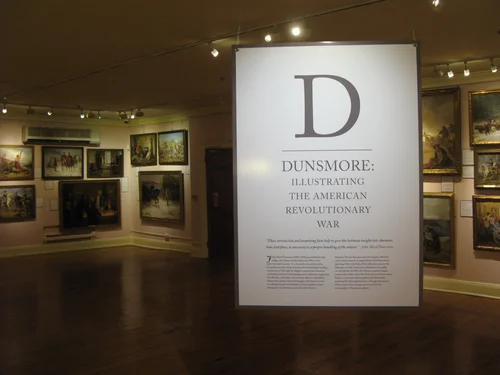
John Ward Dunsmore (1856-1945) was a prolific American painter who illustrated some of the most iconic events in American history. His works are especially noted for their attention to historical detail informed by thorough research. Dunsmore: Illustrating the American Revolutionary War highlights some of his works in Fraunces Tavern Museum’s collection that depict key events and figures of the Revolutionary War era, such as Henry Knox bringing canons from Fort Ticonderoga.
-
May 2015 - June 2017
French nobleman Gilbert du Mortier Lafayette volunteered for the Continental Army in 1777. He quickly gained the respect of the Army’s Commanding General George Washington and rose to the status of General himself. Lafayette recounts the life and career of the beloved war hero through ephemera created in his memory and his personal belongings, including the sash that is believed to have bandaged his wounded leg during his first battle at Brandywine in September 1777.



Special Collections
Click the images below to explore special items in our collection, many of which are currently on display.